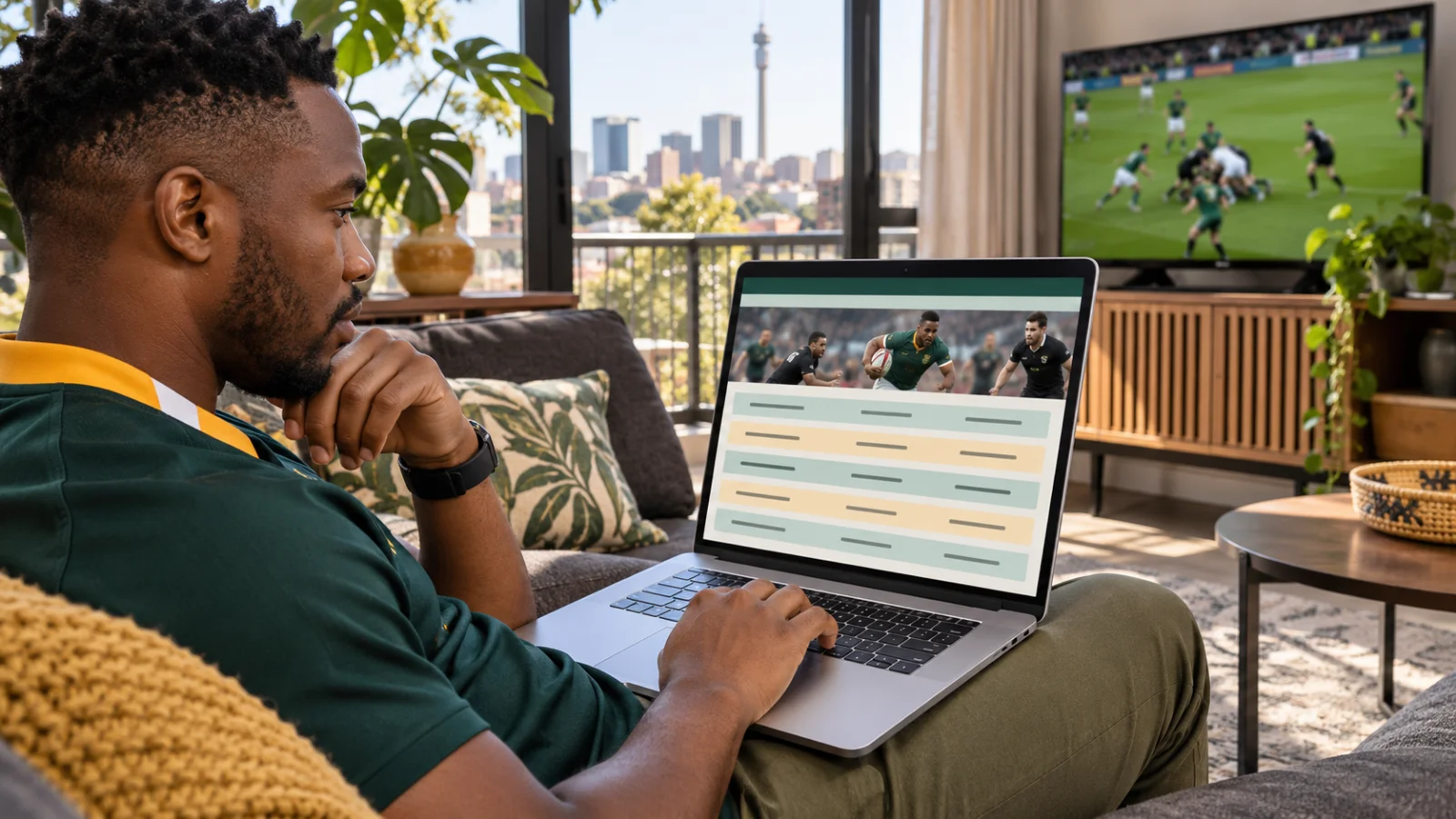
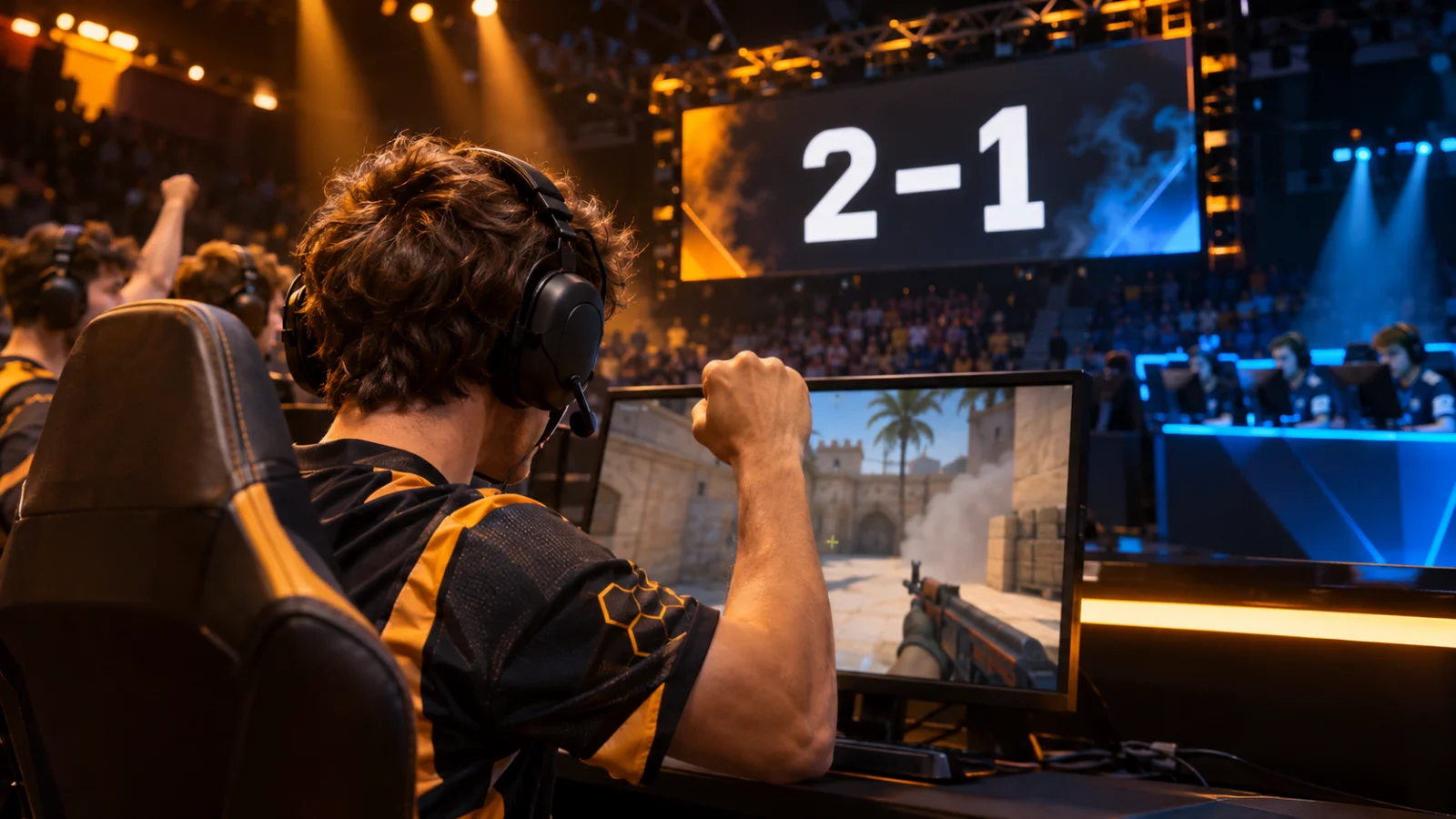
Mobile vs Desktop Esports Betting: Which Screen Makes the Match Easier to Follow?
This BetHive guide compares mobile and desktop esports betting by following the same fixture on both screens. It looks at how easy it is to find a match, tell map markets from series markets, spot delays between the stream and live odds, and review the bet slip and settlement rules. The guide suggests testing both layouts with the same pre-match fixture without placing a wager.
In this guide
The second map is about to start. On your phone, the stream takes up most of the screen. By the time you switch back to the event page, you have to check whether the price you saw was for Map 2 or the whole series. At a desk, both windows might fit side by side. You still have to work out whether they’re showing the same stage of play.
That’s the practical question behind mobile vs desktop esports betting. Which setup lets you see the match, read the market and check what you’ve selected without losing your place? This BetHive guide compares both devices from the opening fixture list to the final confirmation.
Can You Find the Right Match Before You Find the Odds?
A phone is convenient when you already know the game, tournament and teams you want to follow. Search for the fixture or open the tournament filter, where available, then check the start time and match format. That last detail matters if two teams are meeting in different competitions or an academy roster has a name similar to its main team.
Desktop esports betting can make the initial search easier when several tournaments overlap. A wider layout may put the game filter, event list and market details on screen at once. You could also keep the organiser’s schedule open alongside the sportsbook. If the sportsbook uses a compact layout even on desktop, you may still have to open each event to see its markets.
The first useful mobile vs desktop esports betting comparison takes less than a minute. Try finding the same fixture on both screens. Can you see the tournament, the two teams and whether the match is live? If you have to retrace your steps to identify the event, that’s already a meaningful difference in the experience.
What you’re doing | Mobile | Desktop |
Finding one fixture | Search or use the game filter to get straight to the event. | Keep the fixture list and organiser’s schedule visible together. |
Comparing markets | Expand one market at a time and check which map it covers. | A wider layout can show several market groups side by side. |
Watching the match | Switching between the stream and sportsbook can hide useful context. | Separate windows can keep the stream, scoreboard and event page visible. |
Checking a selection | Expand the slip and read its full label before confirming. | Check the slip for old selections or a stake left from an earlier edit. |
The Team Name Matches. Does the Market?
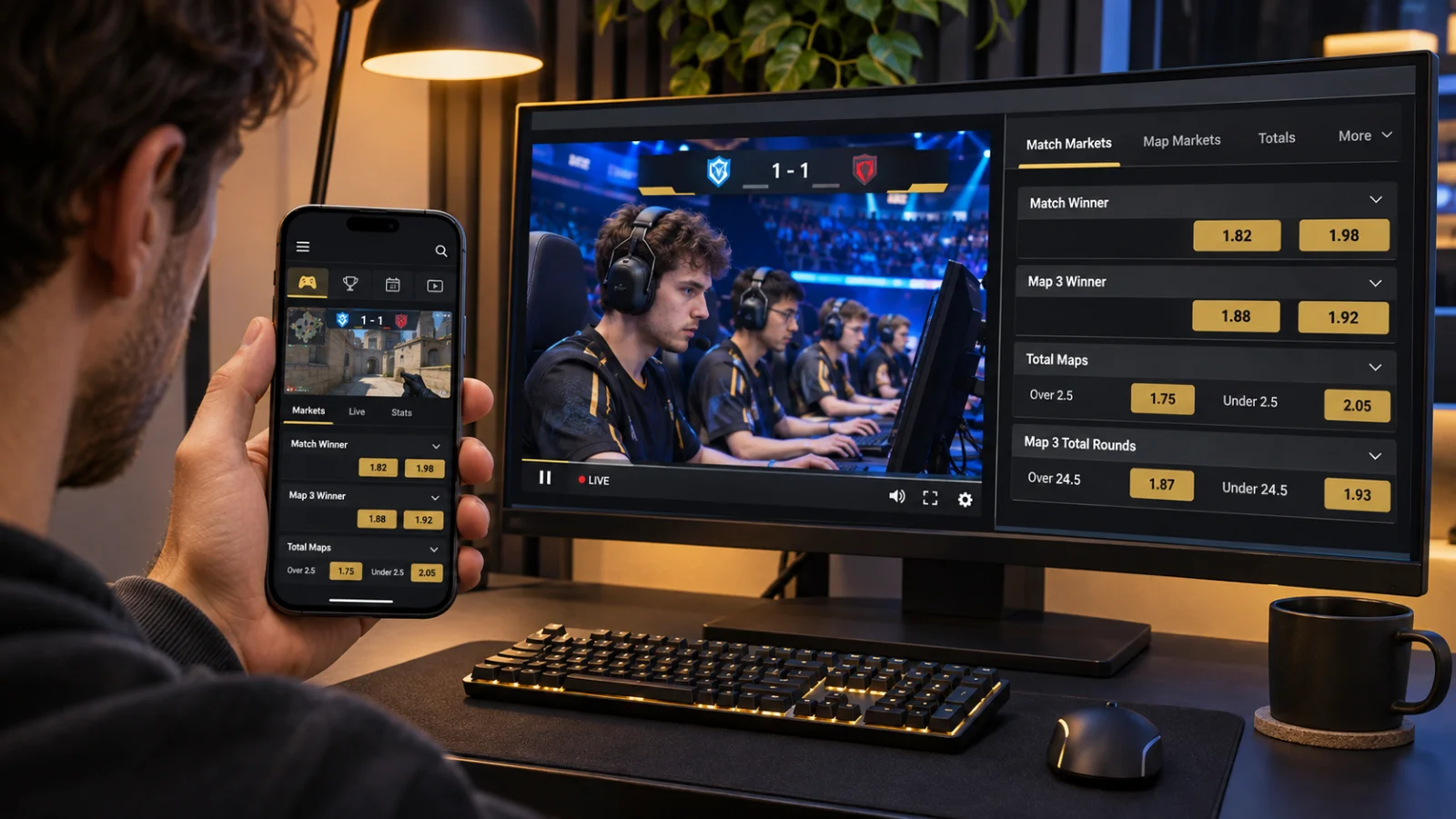
Esports betting markets can use the same team names for different outcomes. A match-winner selection covers the full match. A map-winner selection covers a particular map. In a best-of-three, the team that wins Map 1 can still lose the series 2–1. If the market title sits above the part of the page you’re viewing, the odds alone give you little help distinguishing the two. If you’re new to prices like 1.90, BetHive’s guide onhow to read sports odds explains what the number means.
In mobile esports betting, a handy habit is to read the heading immediately above the price. If the page opens several groups, close the ones you’re finished with so you can see which group you’re in. A compact screen may also shorten team names. Expand the selection if you need the full label.
Desktop gives you more room to compare markets, but several visible columns can create a different problem. You may read the correct row and click the neighbouring column. When comparing mobile vs desktop esports betting, look at whether you can keep the market heading and the selection in view together. That’s more useful than counting how many prices fit on one screen.
Your Stream and Sportsbook Can Show Different Moments
Esports live streaming and live odds run on separate feeds. A broadcast can lag behind an official scoreboard or the data a sportsbook uses. If a map looks close on the stream but the market has already closed, the two screens may be reflecting different moments. A delayed stream can look perfectly smooth.
That’s an important part of mobile vs desktop esports betting during play. On a phone, switching apps may briefly hide the scoreboard, and reopening the sportsbook may take you back to the event list. On desktop, placing the stream and match page side by side makes discrepancies easier to spot. A larger screen cannot tell you how far behind a particular feed is.
For live esports betting, read the map number, score and market status again whenever you return from another window or app. If the feeds are clearly out of step, wait until you can confirm what stage the match has reached. A suspended market is temporarily closed, and the price may change when it reopens. Read the new selection as it appears on the slip. For more on price changes and suspended markets, seeBetHive’s live betting guide.
The Bet Slip Is Where Small Details Become Big Ones
Hypothetical example. You open a Counter-Strike 2 fixture on mobile and tap a price of 1.90 for Team A. The collapsed bet slip shows the team and price, but when you expand it, the full label reads “Map 2 winner”. You meant to select “Match winner”. The mistake is visible before confirmation, even though the team name is the one you expected.
On desktop, the slip may stay visible while you browse. That makes it easier to review, but an earlier selection may remain on it. Before confirming anything, check the event, the named market, the selection, the current odds and the stake. If you only meant to make one selection, check that the slip contains only that selection. If you’re still getting used to how selections and stakes work, start withBetHive’s beginner betting guide.
There’s another distinction worth knowing. Seeing a selection in your bet slip means you’ve added it. Acceptance is a separate step. If a page stalls after you confirm, look in your account’s bet history before trying again. Check the status and accepted terms there. That helps avoid submitting a second request while the first is still being processed.
App or Browser? Try the Tasks You Actually Use
A mobile betting app and the same operator’s mobile website can feel different. Menu names, text size, navigation and where the slip opens may vary. If you’re trying an unfamiliar sportsbook in South Africa, first look up the operator on the National Gambling Board’s verified operators list. Then open the same pre-match event in the app and browser, locate a map market and read the settlement rules. You can compare that experience without making a selection.
Then consider where you’ll be watching. A phone works well if you’re following one match and can read the whole market clearly. If the connection is intermittent or video keeps buffering, you may spend most of the session working out which round the stream is on. A desktop can give the stream and event page more space, and a connection problem can still affect both windows.
Before choosing between mobile vs desktop esports betting, try enlarging the text and see what happens to the layout. Can you still tell which price belongs to which team? Can you dismiss the slip and return to the same point? If you share a device, check that you can sign out easily and that your login details are kept private. These small tasks are more representative of everyday use than a polished home screen.
Find the Rules Before the Map Goes Wrong
An interrupted map can leave you with two questions. What will the tournament organiser do, and how will the bookmaker settle the selected market? An organiser might resume play, replay the map or record a forfeit. The sportsbook’s rules determine how that outcome applies to the selection. The answer can differ between a full-match market and a market on the affected map.
On a phone, the rules may sit in a separate menu, so it helps to locate them while you’re looking at the fixture. On desktop, you can keep the rules open beside the market and search for the game or the term you need. When comparing mobile vs desktop esports betting, give this check as much weight as how easy it is to find the odds. You’re looking for the rule that covers the exact event and selection on your screen.
A Fair Comparison Starts With the Same Pre-Match Fixture
Pick one upcoming match and open it on both devices. Use the same operator, the same event and the same market. Compare the layout before play begins so that a score change or a closed market doesn’t muddy the comparison. You can do this without placing a wager.
First, find the series format and the start time. Next, find a named map and check whether the market tells you which team or side each price belongs to. Finally, locate the settlement rules and return to the fixture. If one screen keeps your place and the other sends you back to the homepage, you’ve found a difference that will matter more during a busy match.
If you follow multiple tournaments, repeat the test with a second event from another game. Some layouts make it easy to return to a filtered event list. Others reset the filter after each visit. The better fit depends on whether you usually watch one series from start to finish or move between several events.
Pick the Screen That Lets You Pause and Check
For one fixture with a clear market label, your phone may do everything you need. If you’re following several matches, comparing map and series markets or keeping an organiser’s scoreboard open, desktop is often easier to read. Try the same fixture on each device and see which one lets you switch between the match, the market and the rules without losing your place.
Decide how much time and money you’re comfortable spending before you start. If notifications keep pulling you back into the app, turn them off. Take a break when the pace of play makes you feel rushed, and never chase losses. The best setup is the one that gives you a chance to check what you’re doing and makes it easy to stop. SeeBetHive’s responsible gambling page for information on limits, breaks and support.
18+ only. T&Cs apply. Gamble responsibly.
Read next

Betting Payment Methods in South Africa: 5 Trusted Options
You can deposit with a voucher and still need a bank account to withdraw. This BetHive guide compares five betting payment methods in South Africa, from Ozow and Capitec Pay to prepaid vouchers and bank cards. It explains what to check in both cashier tabs, including payout destinations, fees and minimums, and what to do if a payment goes through without updating your balance.
Join the Hive